Exploring Gyroscopic Motion for Screenless Authentication
Gyro Lock
Guided by
Prof. Anirudha Joshi
Collaborators
Arindam K
Interaction Techniques
Mobile Security
Embodied Interaction
Sensor-based Interaction
An interaction techniques project that explores how physical gestures can be used to authenticate a user on a mobile device. We designed a novel lock screen that uses the phone’s gyroscope to input a password. The system translates real-world movements—such as tilting the phone up, down, left, or right—into password entries. The project responds to the security vulnerabilities of traditional “what you know” passwords (like PINs or patterns), specifically their weakness to smudge attacks and shoulder surfing.
At its core, Gyro Lock serves as an alternative to screen-based input. Using the embedded gyroscope, it allows users to unlock their device by performing a sequence of trained physical gestures, offering a “screenless” interaction that is more secure against observation. The outcome demonstrates how embodied interaction can provide a viable, intuitive, and memorable alternative for mobile security.
Background
This project was carried out as part of the Interaction Techniques course. It was a group project involving two members. We collaborated to explore new forms of password interaction, focusing on methods that do not rely on direct screen input.
The course encouraged students to study existing interaction paradigms and identify their weaknesses. We were dealing with “what you know” passwords (like alphanumeric or Android pattern locks) and aimed to create a new method that would be immune to common exploits like smudge attacks, where an attacker can guess a pattern from finger marks left on the screen.
Strategy
We started with a broad exploration of screenless input methods. Our goal was to address the vulnerabilities we identified in existing lock screens. The concept evolved from a tap-based system into Gyro Lock, a gesture-based method that connects physical movement with password entry.
Our approach emphasised iterative prototyping. We first tried a tap-based system but found it unreliable.
This failure led us to explore other sensors, landing on the gyroscope as the core component for our final design. The overarching strategy was to design an interaction that was not only secure against observation but also intuitive and memorable for the user.
Design
The design process moved through ideation, technical exploration, and system implementation. We chose to use the existing smartphone form, augmenting its capabilities with a novel software-based interaction.
The hardware was built entirely on the phone’s existing sensors. The system is built around the gyroscope to capture rotational motion. We initially tested the accelerometer, but it “didn’t work very well” for our purpose, as the gyroscope allowed the interaction to work regardless of the phone’s angle. On the software side, we began prototyping in Android Studio but found implementing the pointer UI to be difficult. We switched to Unity, where packages for UI elements were readily available. We processed the raw sensor data and mapped it to a UI pointer. Based on feedback, we added a “snapping” feature and haptic feedback to make the interaction clearer and more effective.
The final design embodied the principles of secure, embodied interaction—transforming an abstract password into a physical, repeatable sequence of movements.
Early Iterations
Iteration 1
Tap-Hold based interaction on screen.
The concept is to enter a combination of taps (less than 300ms) and holds (more than 700ms) and unlock your phone with that. Much like our other iteration this can take a bit more time and will require some time to learn it and practice it by muscle memory.
Iteration 2
Tap Rhythms on the back of the phone
The concept is to use the accelerometer and the gyro-meter in the phon eto measure the micro-disturbances caused by taps on the back of the phone.
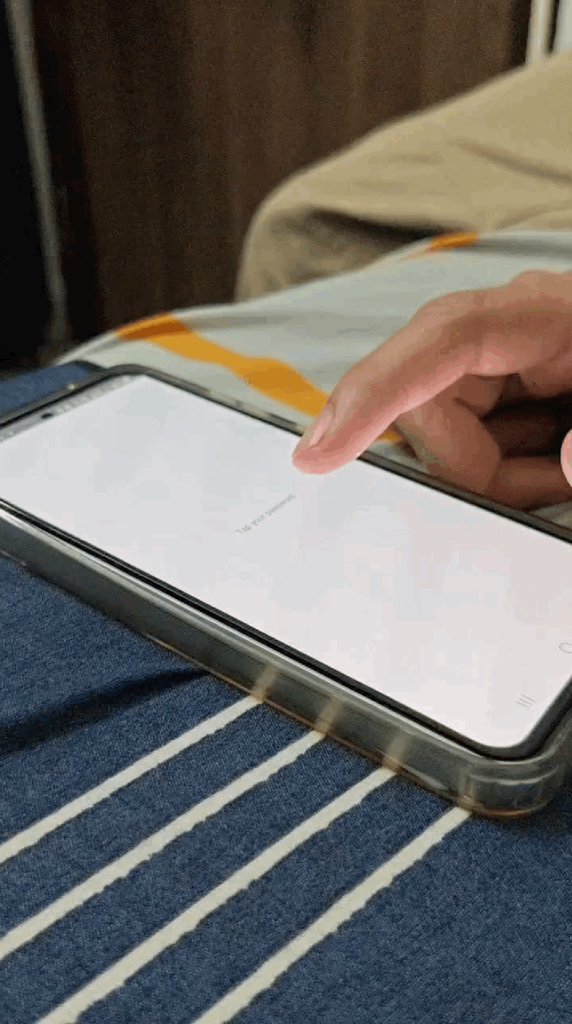
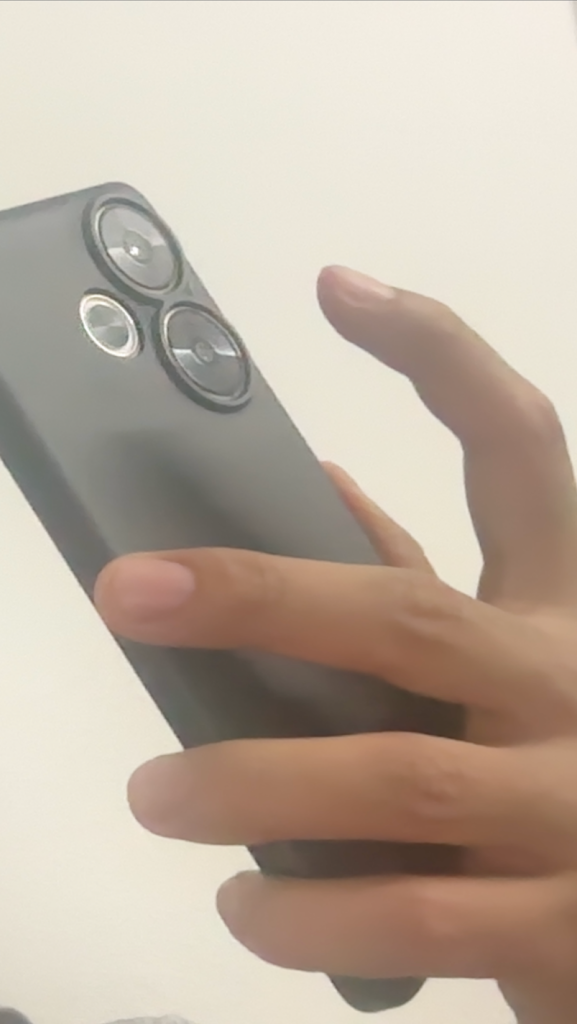
At the beginning of our research, we explored an interaction based on taps and holds. First, we tried this on the front of the screen, but this was counterintuitive to our “screenless” idea. We then tried implementing taps on the back of the screen. While the taps did register, their intensity was so small that any slight movement of the phone also registered as a tap. This unreliability and lack of precision led us to let go of the tap-and-hold idea and pivot to sensor-based motion.
Final Idea
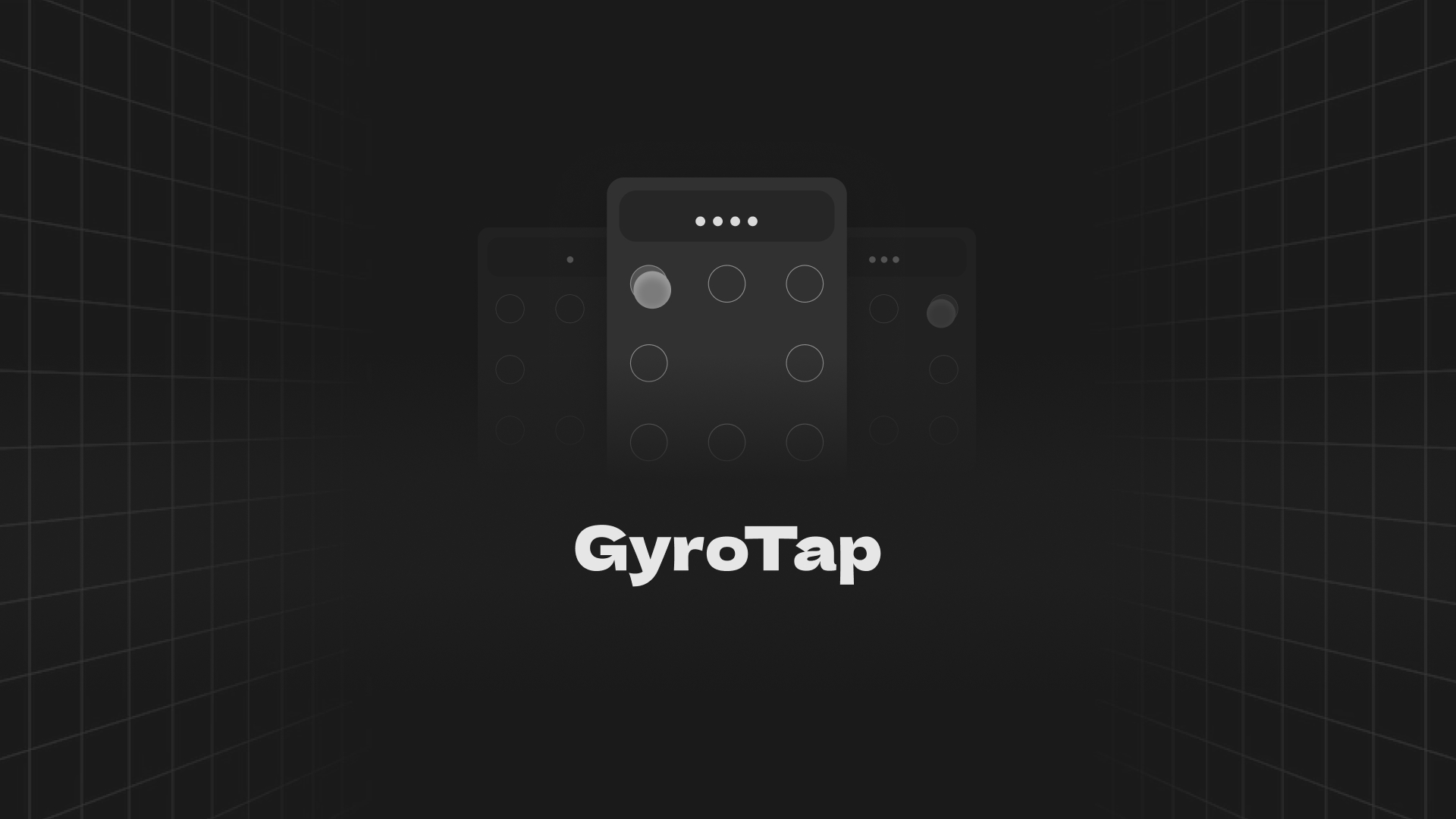
Out of all our explorations, the idea that resonated most was Gyro Lock, a lock screen that uses the phone’s gyroscope to move an on-screen pointer.
Acting as a password input system, Gyro Lock allows users to authenticate through simple, expressive gestures. The core idea involves two modes. First, a “training mode” where the user can see the pointer and the targets, allowing them to create and practice their gesture-based password. The pointer “snaps” to a target and provides vibration feedback upon entry. Second, a “hidden mode” where the UI is transparent, and the user must replicate the same physical gestures from memory to unlock the phone.
The electronic setup relies entirely on the built-in sensors of a standard smartphone. The key components are:
- Gyroscope: This is the core sensor used to track the phone’s rotational motion (tilting up, down, left, right).
- Accelerometer: This sensor was tested in early iterations to detect movement but was ultimately replaced by the gyroscope for better performance and angle-independence.
- Vibration Motor: The phone’s haptic feedback motor is used to signal to the user that a password entry “snap” has been successfully registered.
This setup combines sensor data with a software layer (built in Unity) to create a comprehensive interaction loop for secure authentication.
User Testing & Findings
We designed a user study centred on three key questions:
Recall: Is the password memorable over time?
Intuition: Are users able to intuitively set their own passwords?
Security: How effective is the system against “shoulder surfing”?


Task Design
Task 1 (Setup)
Users were taught the interaction and asked to set their own password. They were given a practice round to memorise their “wrist movements.”
Task 2 (Shoulder Surfing)
A second user would try to replicate the password by observing, first from the front, then from the side.
Task 3 (Recall)
The original user was asked to recall their password after a period of time (4 hours, and then 1 day).
Results
Setting Password
93% of users successfully set a password.
Cracking Password (Shoulder Surfing)
30% of observers cracked it on the first try (facing the user), 18% on the second try (from the side).
Recall
After 1 day, 87.5% of users could still remember their password, with many stating the “wrist movements” felt intuitive.
Interesting Findings
General length of passwords
Password lengths ranged from a minimum of 4 gestures to a maximum of 8.
Ease of Replication
Passwords with repeating patterns (e.g., up-down-up-down) were significantly harder for observers to replicate, as they easily got confused.
Lack of perception in Screen-less mode
Some users became confused in the hidden mode and used a “twisting motion” rather than the up/down/sideways tilt they were trained on.
Documentation
A gyroscope-based lock screen that allows users to input a password through physical gestures, trained by a visual guide and then performed in a hidden, “transparent” mode.
Project Details
Gyro Lock
Guided by
Prof. Anirudha Joshi
Collaborators
Arindam K
Interaction Techniques
Mobile Security
Embodied Interaction
Sensor-based Interaction
Background
This project was carried out as part of the Interaction Techniques course. It was a group project involving two members. We collaborated to explore new forms of password interaction, focusing on methods that do not rely on direct screen input.
The course encouraged students to study existing interaction paradigms and identify their weaknesses. We were dealing with “what you know” passwords (like alphanumeric or Android pattern locks) and aimed to create a new method that would be immune to common exploits like smudge attacks, where an attacker can guess a pattern from finger marks left on the screen.
Strategy
We started with a broad exploration of screenless input methods. Our goal was to address the vulnerabilities we identified in existing lock screens. The concept evolved from a tap-based system into Gyro Lock, a gesture-based method that connects physical movement with password entry.
Our approach emphasised iterative prototyping. We first tried a tap-based system but found it unreliable.
This failure led us to explore other sensors, landing on the gyroscope as the core component for our final design. The overarching strategy was to design an interaction that was not only secure against observation but also intuitive and memorable for the user.
Design
The design process moved through ideation, technical exploration, and system implementation. We chose to use the existing smartphone form, augmenting its capabilities with a novel software-based interaction.
The hardware was built entirely on the phone’s existing sensors. The system is built around the gyroscope to capture rotational motion. We initially tested the accelerometer, but it “didn’t work very well” for our purpose, as the gyroscope allowed the interaction to work regardless of the phone’s angle. On the software side, we began prototyping in Android Studio but found implementing the pointer UI to be difficult. We switched to Unity, where packages for UI elements were readily available. We processed the raw sensor data and mapped it to a UI pointer. Based on feedback, we added a “snapping” feature and haptic feedback to make the interaction clearer and more effective.
The final design embodied the principles of secure, embodied interaction—transforming an abstract password into a physical, repeatable sequence of movements.